
Using the Asset Library
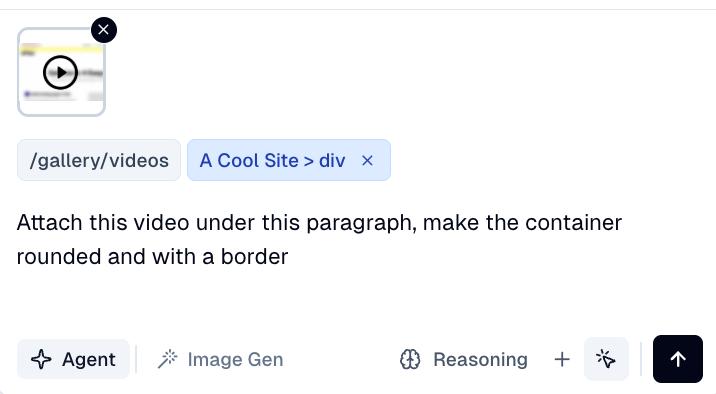
Upload your video to the asset library, then ask Flint to add the video to your page.
Note: The asset library has a 5MB file size limit for uploaded videos. For larger videos, use the embed code method below.
Using Embed Codes
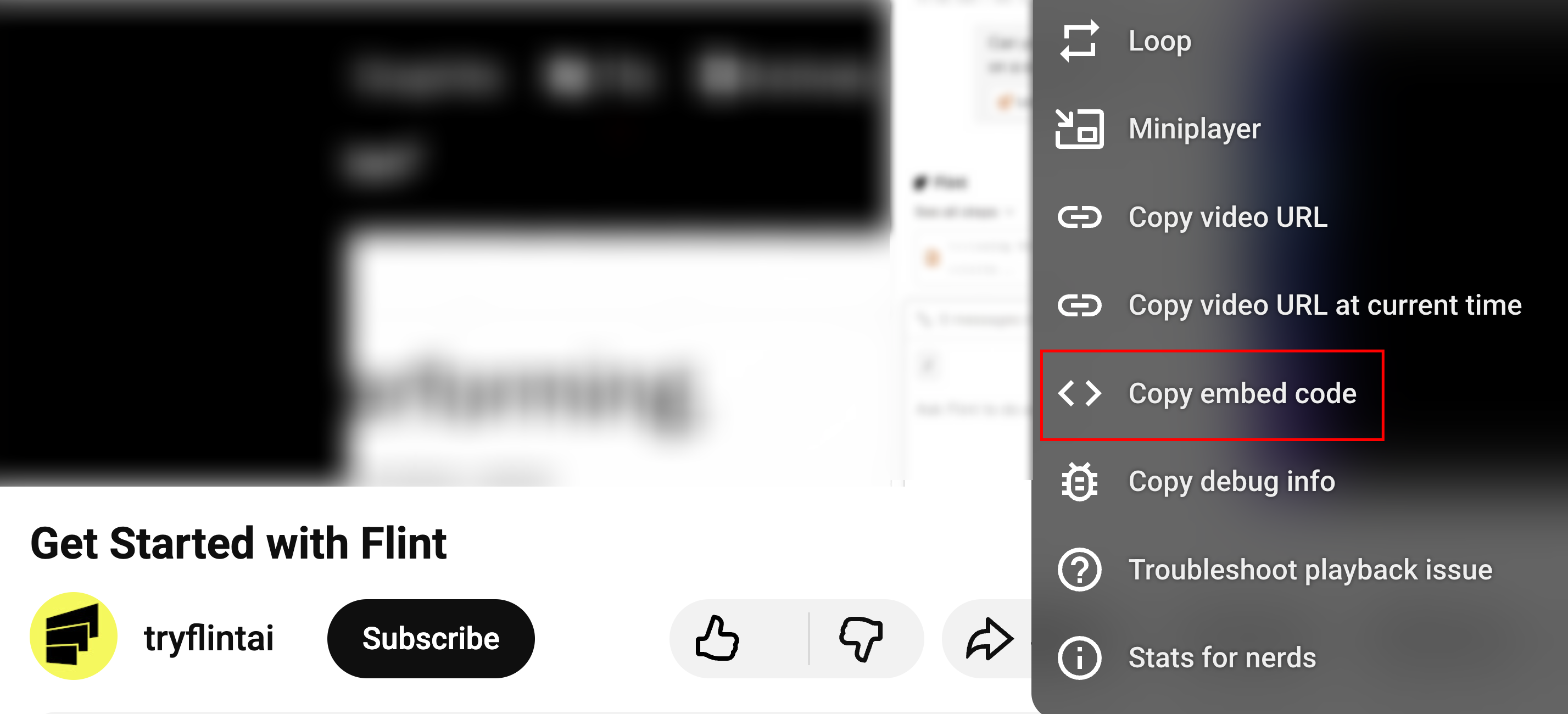
Paste embed codes from platforms like YouTube, Vimeo, or Loom directly into the chat.
How to embed a video:
- 1.Copy the embed code from your video platform (YouTube, Vimeo, Loom, etc.)
- 2.Paste the embed code into Flint chat and ask Flint to add it to your page
- 3.Flint will embed the video with no file size restrictions
Bonus: Flint can style your embedded video containers just like any other element on your page—adjust sizing, spacing, borders, and more.
Custom Video Libraries
Need to integrate with a custom video library or hosting solution?
While Flint doesn't natively support custom video libraries out of the box, enterprise customers can work with our team to implement custom integrations.
To get started: Contact our support team at support@tryflint.com to discuss your requirements and we'll help you set up a solution that works for your workflow.
