
Overview
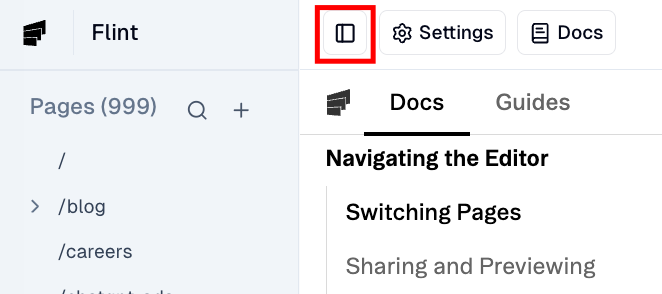
Find the Pages button on the top left section of the editor. This button will open the page selector showing all pages available in the current project. Click on any item to choose the page you want to edit.
Find the Pages button on the top left section of the editor. This button will open the page selector showing all pages available in the current project. Click on any item to choose the page you want to edit.
