
Overview
Flint allows you to publish pages to a subdomain of your main website. For example, if your main site is example.com, you can host Flint pages at pages.example.com or lp.example.com.
This keeps your marketing pages under your brand while giving you the flexibility to build and publish independently of your main site.
Setting Up a Subdomain
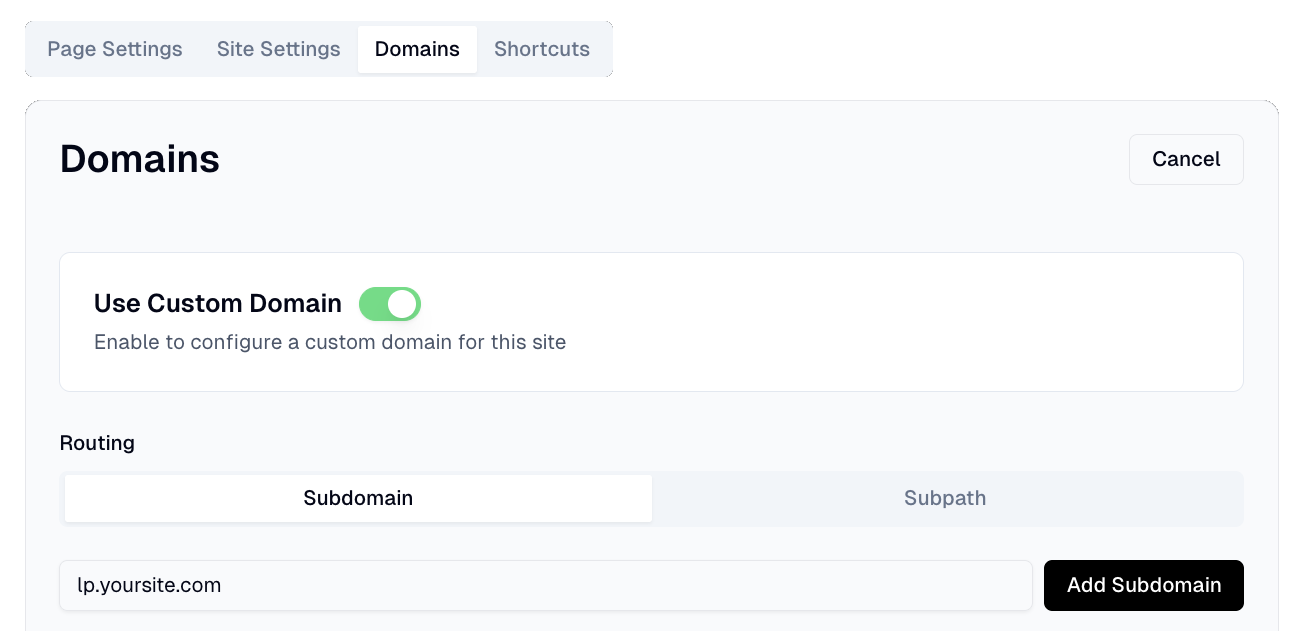
To connect a subdomain to Flint, go to your site settings in the Flint dashboard and navigate to the "Domain" section. Toggle on "Use Custom Domain" and enter your desired subdomain (e.g., pages.example.com).
Option 1: Automatic Setup via Entri (Recommended)
Click the "Connect via Entri" button and follow the prompts. Entri will automatically configure your DNS records with supported domain registrars, no manual steps required. This is the fastest and easiest way to get your subdomain connected.

Option 2: Manual DNS Configuration
If you prefer to configure DNS manually, or if your registrar isn't supported by Entri:
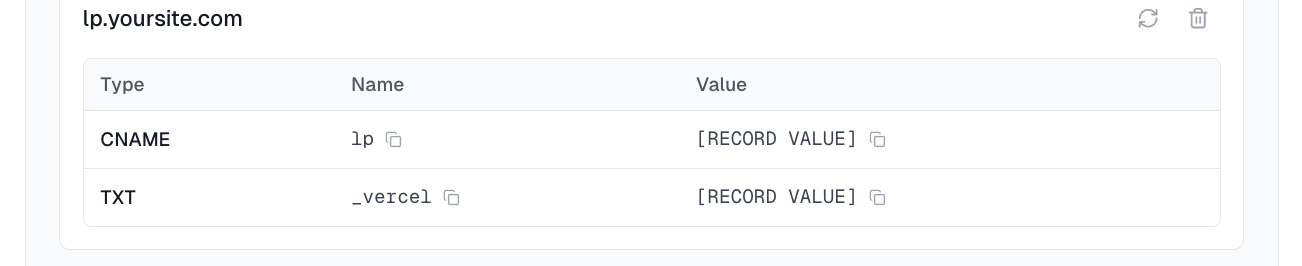
- 1.Copy the CNAME and TXT record details provided in the Flint dashboard
- 2.Log in to your domain registrar's DNS settings
- 3.Add the CNAME record pointing your subdomain to the value provided
- 4.Add the TXT record for verification
- 5.Save your changes and wait for DNS propagation (usually 15-30 minutes, sometimes up to 48 hours)
- 6.If you're using Cloudflare, set the proxy status to "DNS only" initially until the connection is verified
Verifying Your Setup
To confirm your subdomain is working:
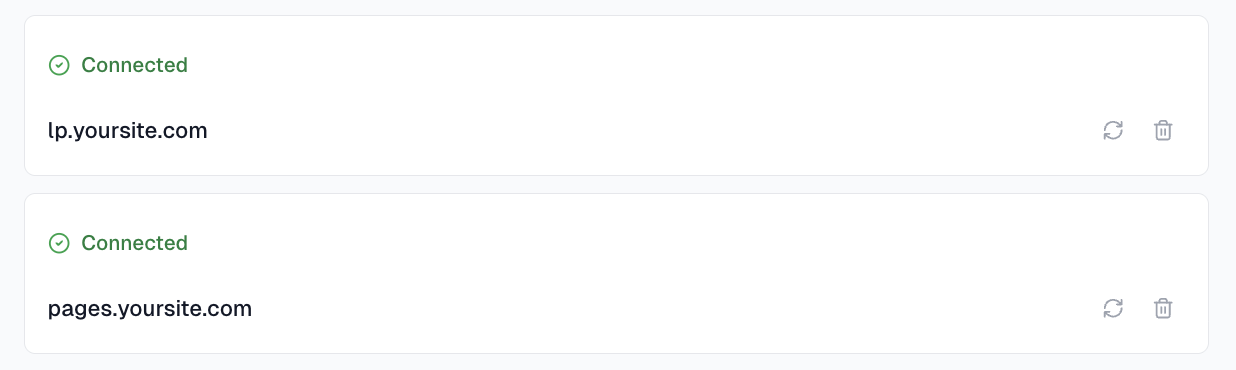
- 1.Check the domain status in your Flint dashboard - it should show as "Connected"
- 2.Visit your subdomain in a browser (e.g., https://pages.example.com)
- 3.Verify that your published pages load correctly
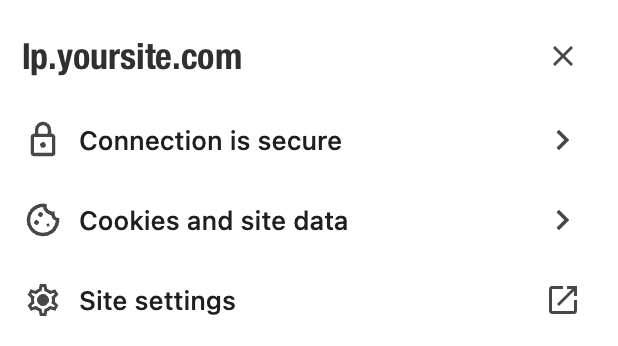
- 4.Check that the SSL certificate is valid (look for the padlock icon)
If you see errors, double-check your DNS settings and wait for full propagation.
SSL Certificates
Flint automatically provisions SSL certificates for your subdomain once DNS is properly configured. This means your pages will be served over HTTPS with no additional setup required.
SSL provisioning typically completes within a few minutes after DNS propagation.
Common Issues
- 1.DNS not propagating: Use a tool like dnschecker.org to verify your records are live globally. Some registrars have longer propagation times.
- 2.SSL errors: Ensure DNS is fully propagated before expecting SSL to work. Clear your browser cache or try an incognito window.
- 3.Cloudflare users: If using Cloudflare's proxy, you may need to configure SSL settings to "Full" mode in your Cloudflare dashboard.
