
Overview
If you're seeing the error message "Your site cannot be supported yet" or "We are not able to support your site yet" when trying to sign up for Flint, there are several possible reasons and solutions.
Work email requirement
Flint only accepts work email addresses for signup. Make sure you're not using a personal email address like Gmail, Yahoo, or other consumer email providers. Use your company's business email address instead.
Website accessibility issues
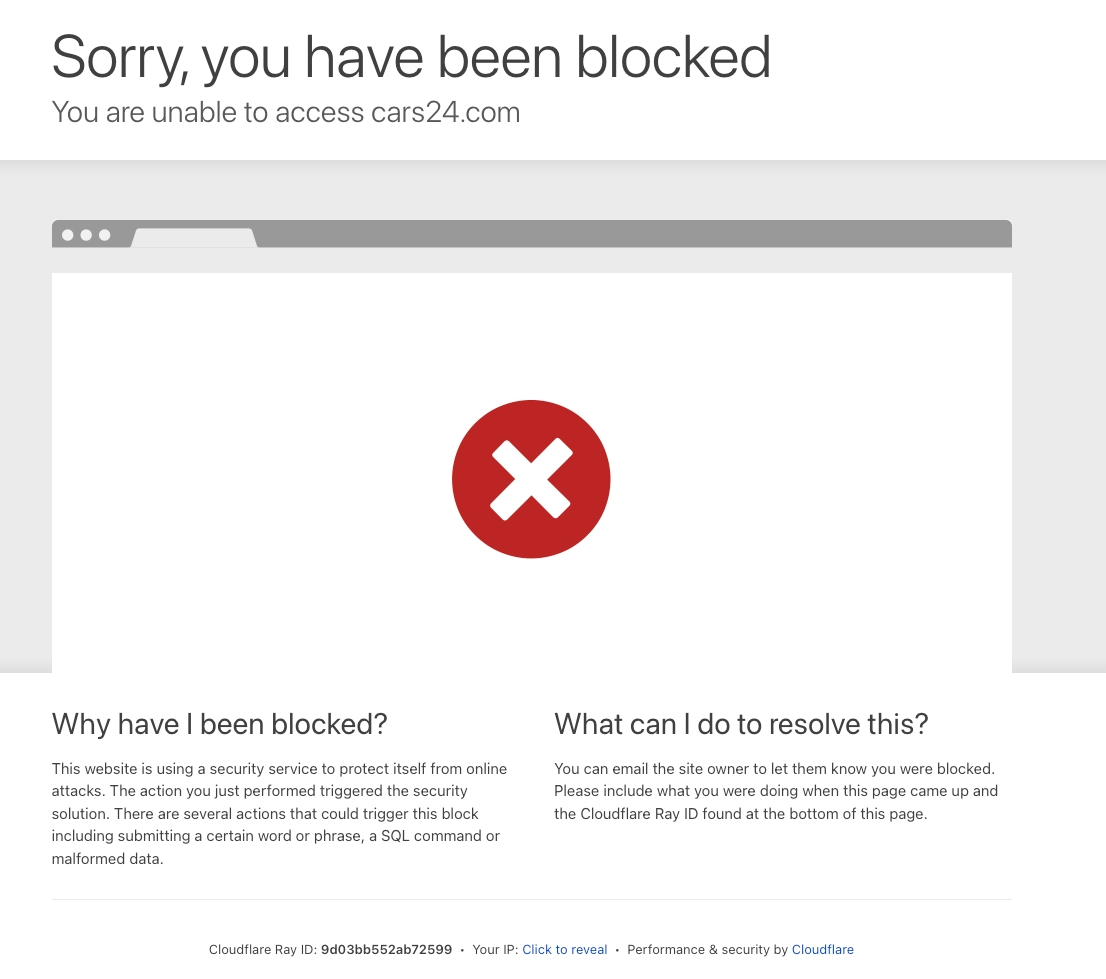
Your website may be blocking Flint's system from accessing it. This can happen if your site has:
- •Geographic restrictions or geo-blocking
- •IP-based access controls
- •Authentication requirements
- •Firewall restrictions
If your website has these restrictions, you'll need to temporarily remove them or whitelist Flint's system to allow access during the onboarding process.
Competitive flagging
Flint's automated system may flag businesses in similar industries as potentially competitive. This can sometimes happen incorrectly, especially for:
- •Website development companies
- •No-code solution providers
- •Marketing agencies
- •Other tech companies
Processing delays
During periods of high demand, there may be processing delays that prevent immediate onboarding. Your site may be queued for processing.
What to do
If you encounter this error, contact Flint support at support@tryflint.com with the following information:
- •Your website URL
- •The email address you're using to sign up
- •A brief description of your business and how you plan to use Flint
The support team can manually review your case and initiate the onboarding process if your site is eligible. They can also help identify and resolve any technical issues preventing your site from being processed.
Most signup issues can be resolved quickly once the support team reviews your specific case and manually processes your onboarding.
