Overview
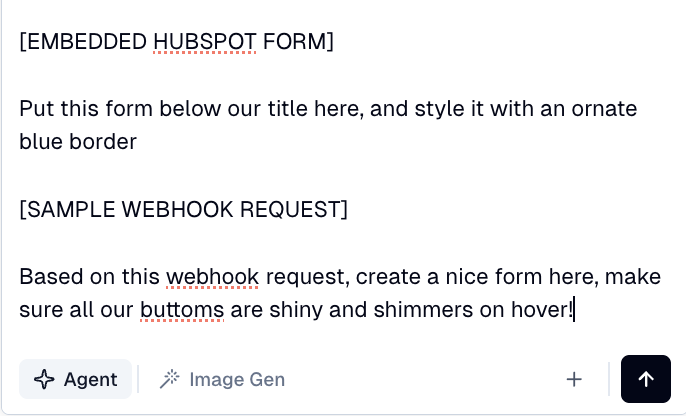
To insert a lead capturing form in your Flint pages:
- •Paste the embed code or URL in the chat and ask the agent to add the form to any specific section
Styling Considerations
- •Embed code: Form styling is pre-configured in the HTML; Flint has limited control over it
- •URL only: Flint can fully customize the form layout to match your brand
HubSpot Forms
Flint supports HubSpot forms in two ways:
- •Embedded forms: Paste the HubSpot embed code to add a pre-styled form directly to your page
- •Custom forms: Paste a sample webhook request to create a fully customizable form that submits to HubSpot