Overview
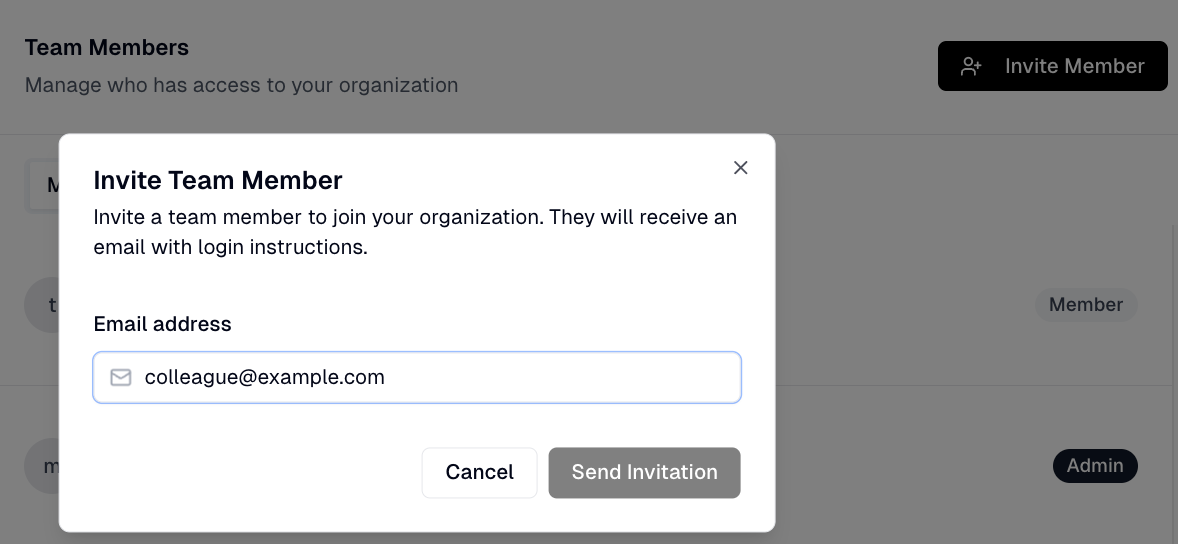
You can invite team members to your Flint organization through the organization settings.
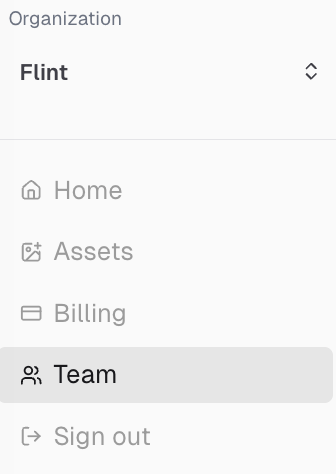
How to Access Organization Settings
Direct link: app.tryflint.com/app/organization-settings
Or from the home page, click Settings.
To Invite a New Member
- 1.Under Organization Settings, click Invite Member
- 2.Enter your team member's email address and submit
- 3.They'll receive an invitation email (have them check spam if it doesn't appear within a few minutes)