Overview
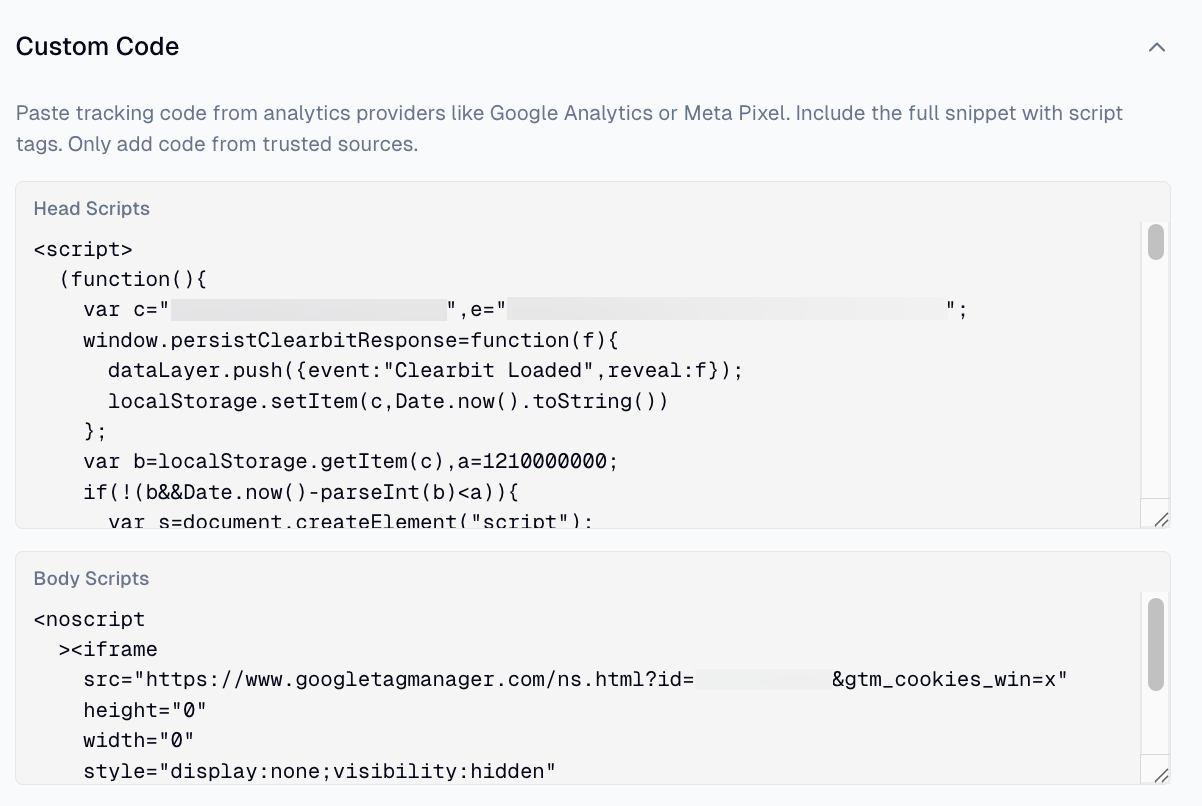
For analytics settings that require custom code in the <head> or <body> of your pages:
- 1.Click the Settings button in the top left section of the editor
- 2.Click the Site Settings tab
- 3.Click the Custom Code accordion
- 4.Add your code to the Head Scripts or Body Scripts fields as needed