
How it works
Flint integrates with popular feature flag and experimentation platforms to enable A/B testing on your pages.
- 1.You can add the SDK script to the header of your Flint site. First, click on the Settings button on the top nav, then go to Site Settings.
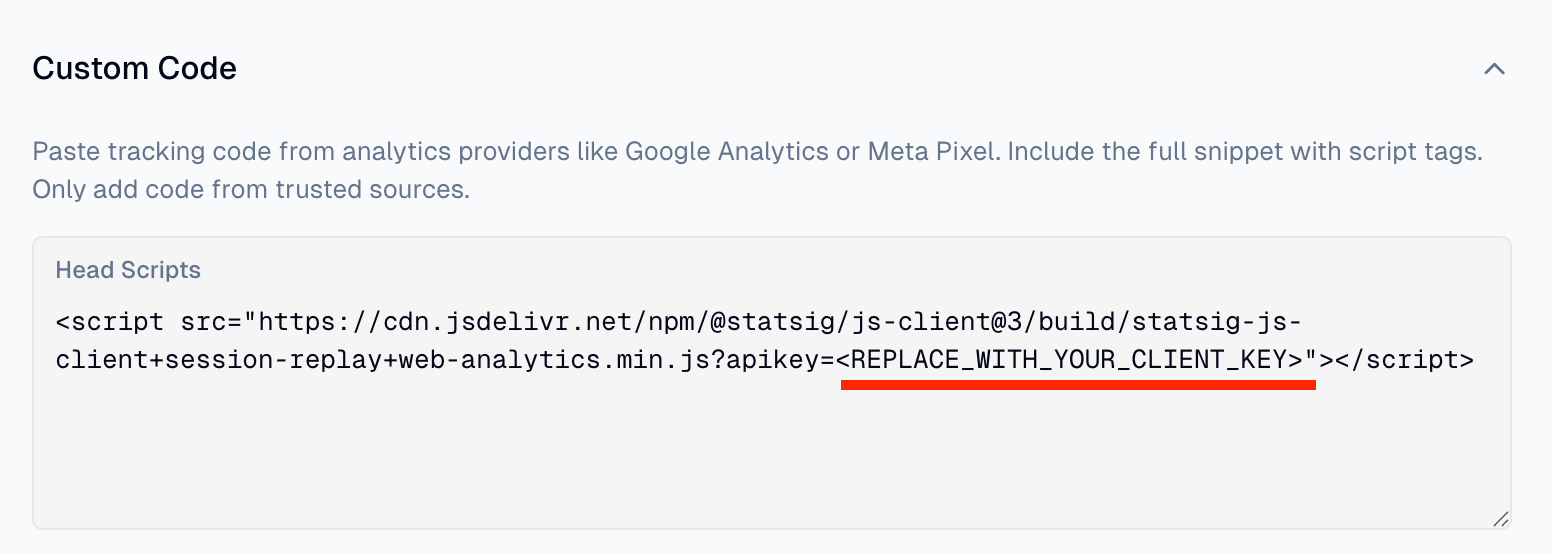
- 2.You can prompt the Flint agent to generate your A/B test variants and instrument the parameters. Here's an example prompt for testing hero copy with Statsig:
text
Create a variant of the / page called /variant-hero with Statsig A/B testing for the hero section.

Requirements:
1. The /variant-hero should change header text from "Your company's always-on website agent" to "Landing pages that build themselves"

2. Implement Statsig A/B testing for the hero copy using this logic: [Add any specific implementation JS script from your experimentation platform]

3. Add these classes to the hero elements:
Headline: class="hero-headline"
Subheadline: class="hero-subheadline"
CTA Button: class="cta-button"
Statsig is already loaded via script tag, so just use window.statsig directly.- 3.Configure your experiment in your testing platform by adding parameters, setting up your variants, and/or flipping a feature flag. Then start the experiment.
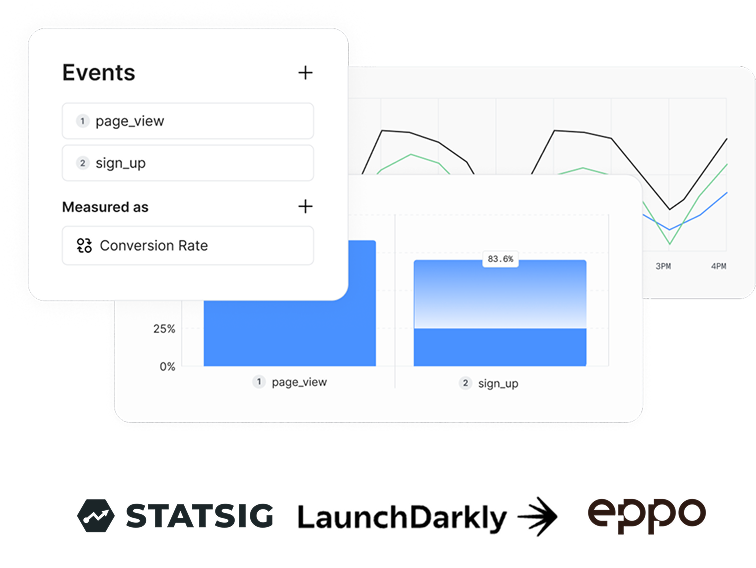
Supported platforms include Statsig, LaunchDarkly, and Eppo.
Test at two levels
You can run experiments at different granularities:
- •Individual components on a single page - Test different headlines, images, CTAs, or any other component
- •Full page variants - Test completely different page designs against each other
This flexibility lets you run quick copy tests or major redesign experiments.
Ad platform
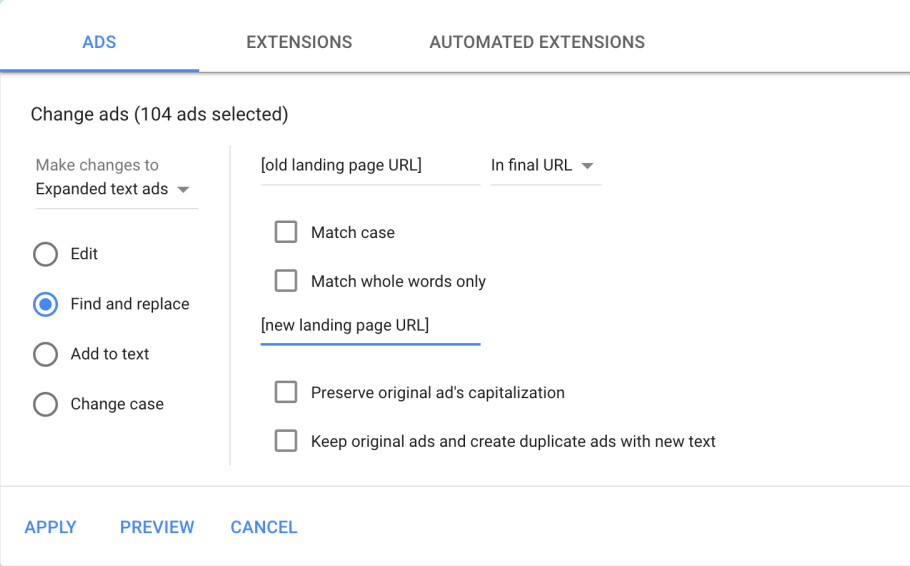
Use the experimentation module on Google Ads
Coming soon
Native A/B testing built into Flint - continuous and autonomous.
This will allow you to run experiments without any external platform integration, with Flint automatically optimizing your pages based on conversion data.
